Work faster with everything your team knows.
GROVE brings your team's files, links, chats, voice messages, ideas and AI into one shared workspace, so important context never gets lost.
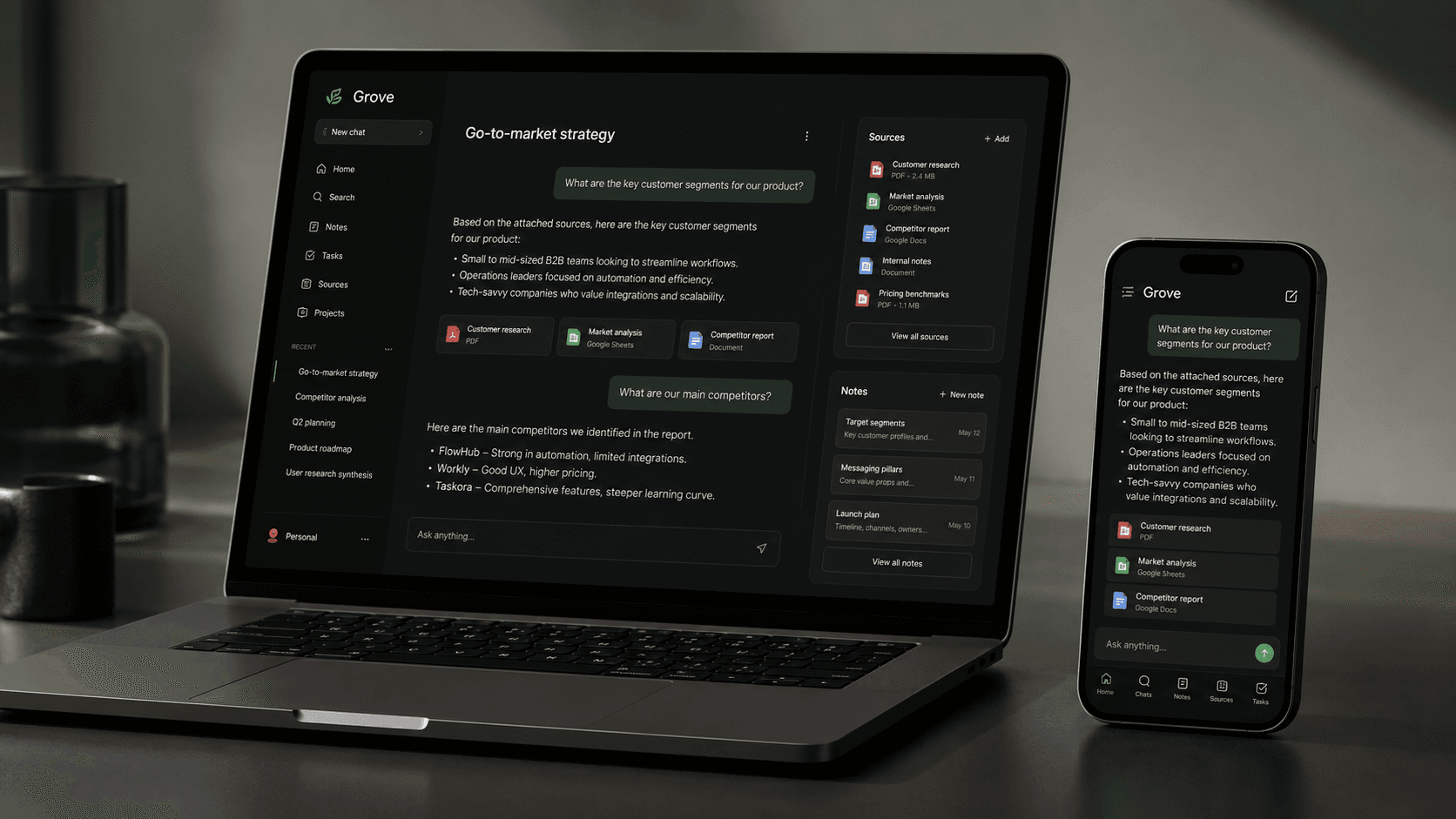
One workspace. Everything in context.
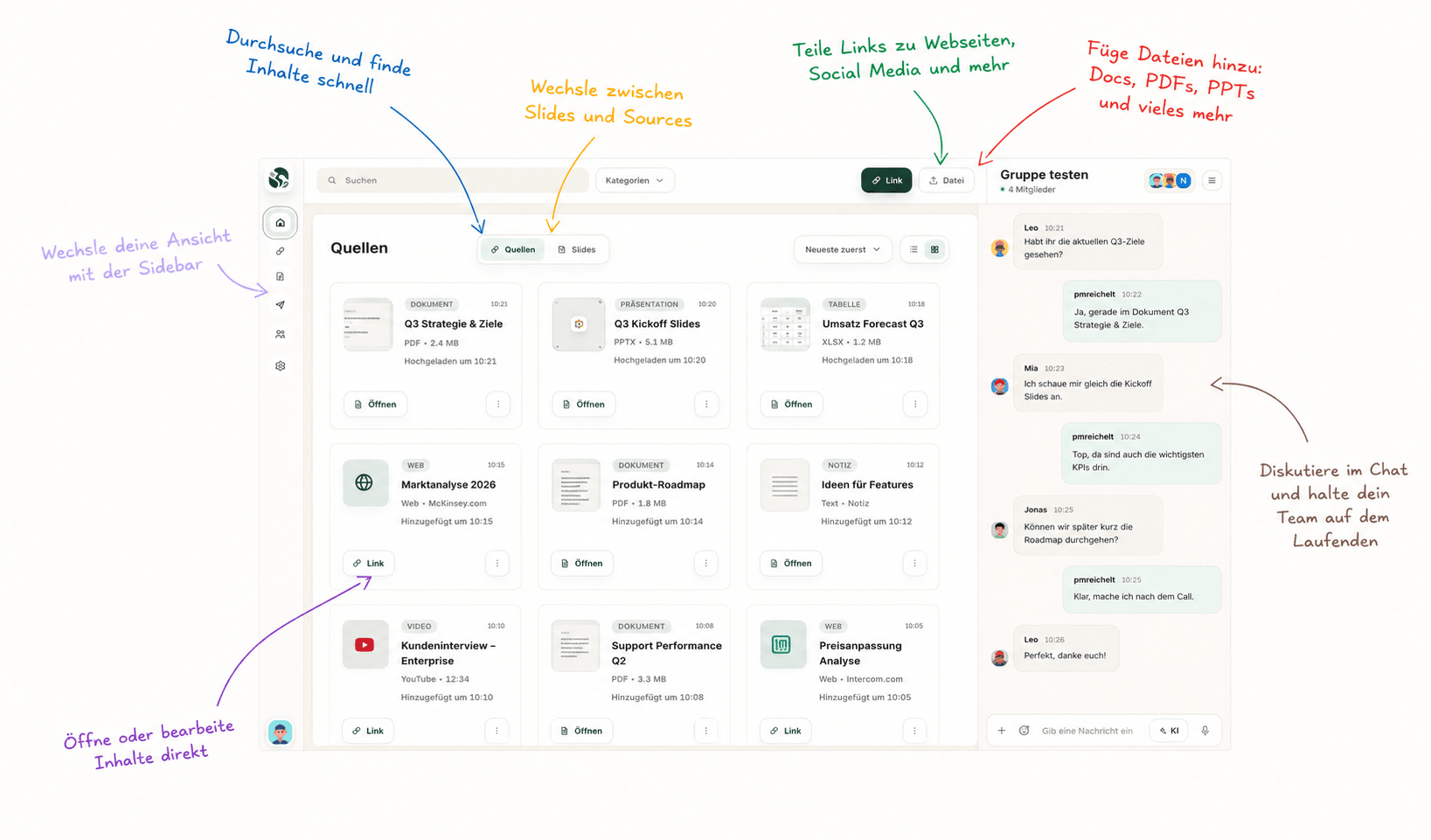
Groups and navigation on the left, sources and slides in the middle, group chat with AI on the right. This is the real app, one click away in your browser.
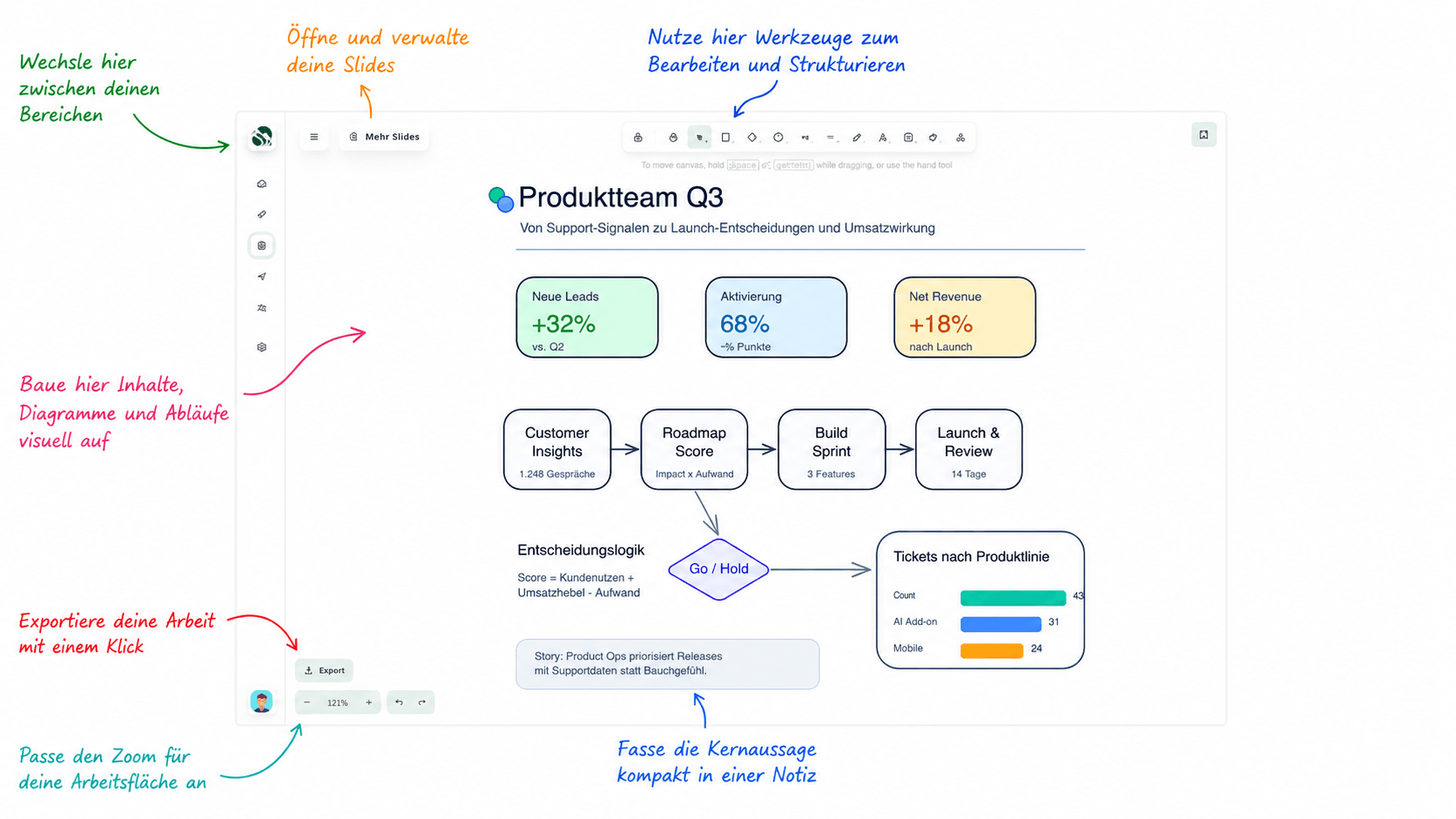
Save everything there is.
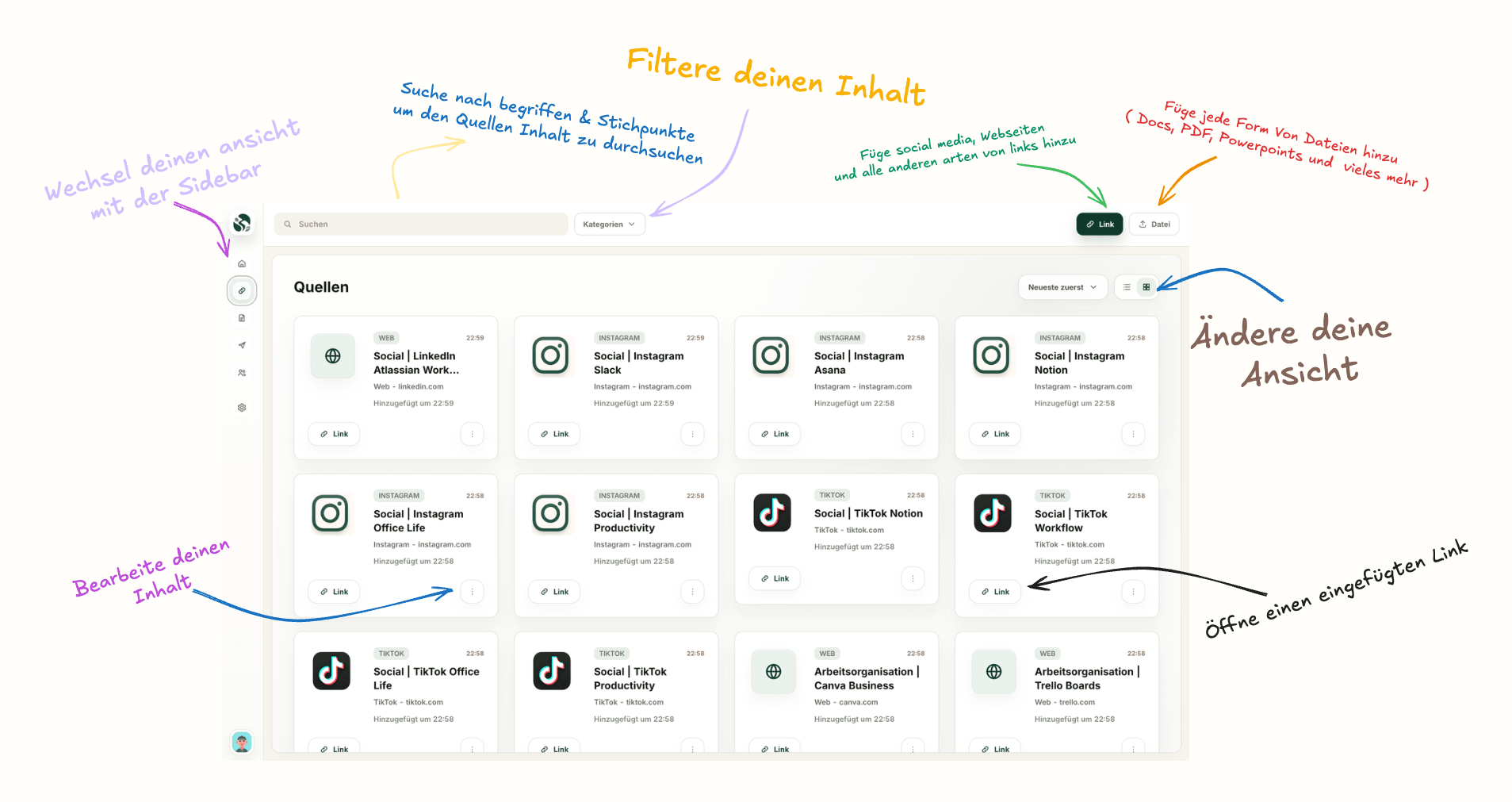
Upload documents, screenshots, markdown files and links, everything there is, and open it right from Sources. Share what you have with your team or your group.
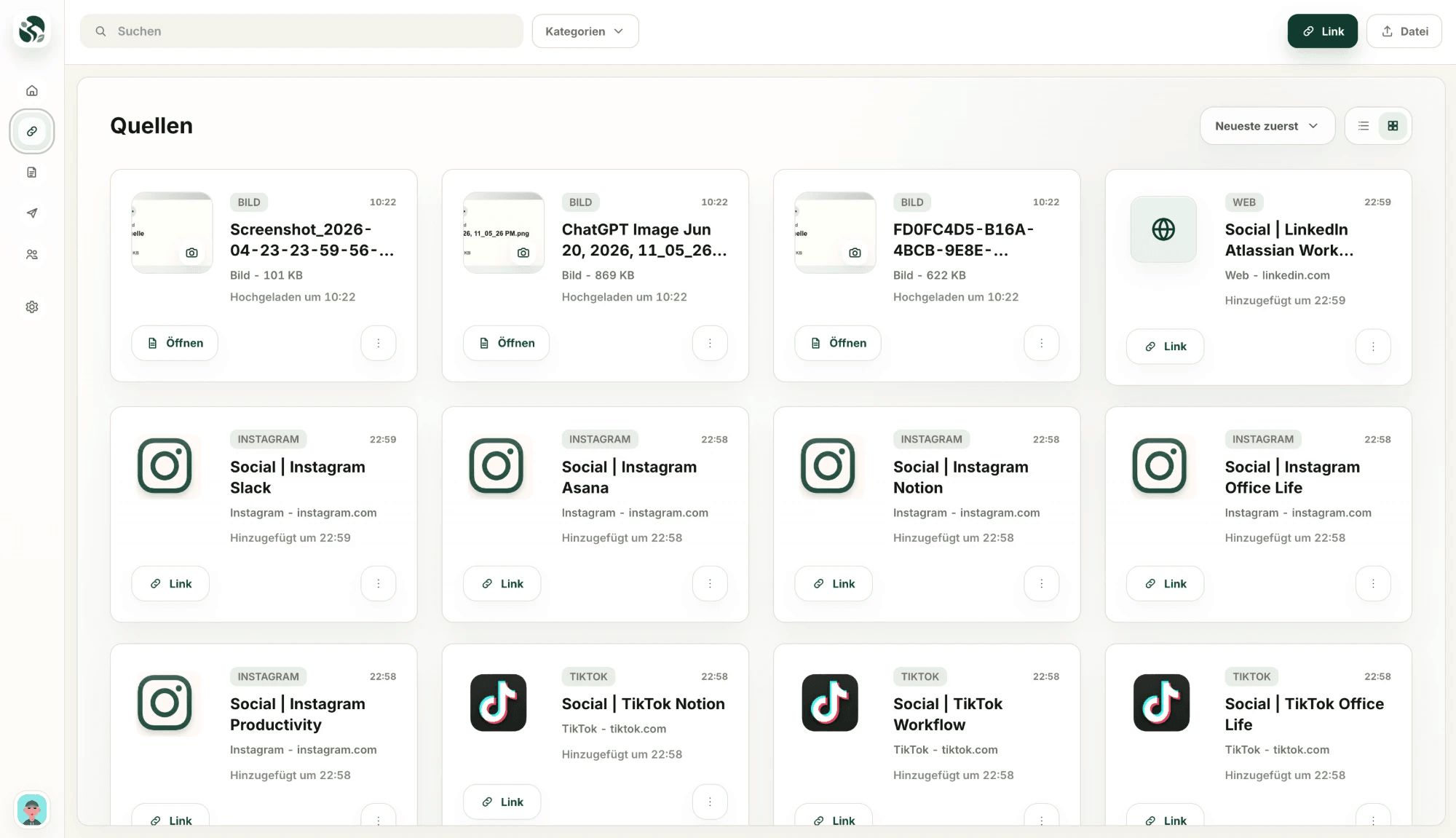
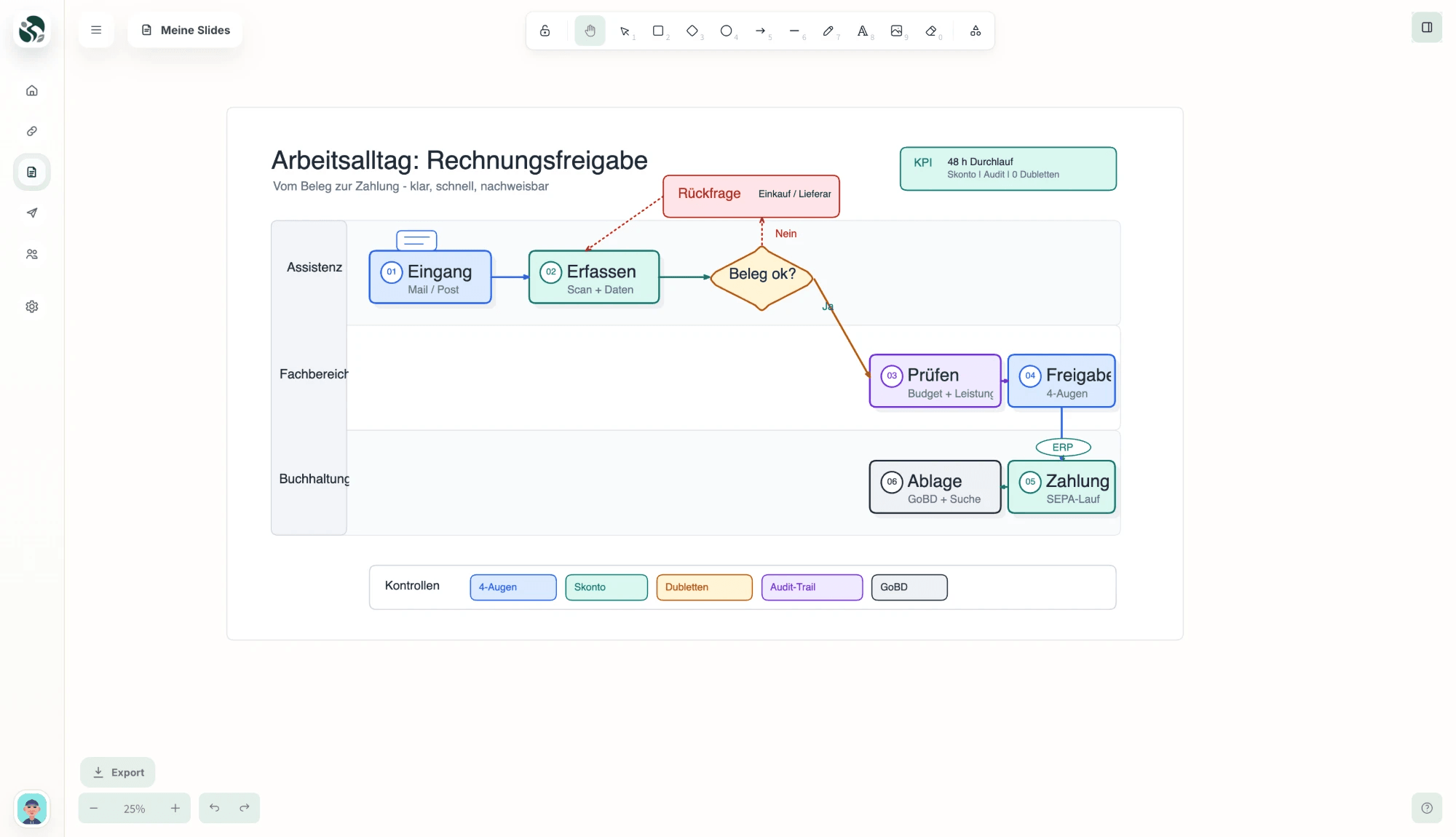
Turn ideas into visual work.
The heart of Slides is Excalidraw, an open-source whiteboard we built right into GROVE. Everything around it comes from us: Excalidraw runs full-size inside your workspace, and every slide lives in your group, ready for two people or your whole team.
- Feels like a whiteboard, not like presentation software
- Every slide belongs to its creator, ready to share with the whole group or selected members
- Admins keep control over access
Excalidraw is an independent open-source project. GROVE uses it under the MIT license.
Chat with your team. Ask your AI.
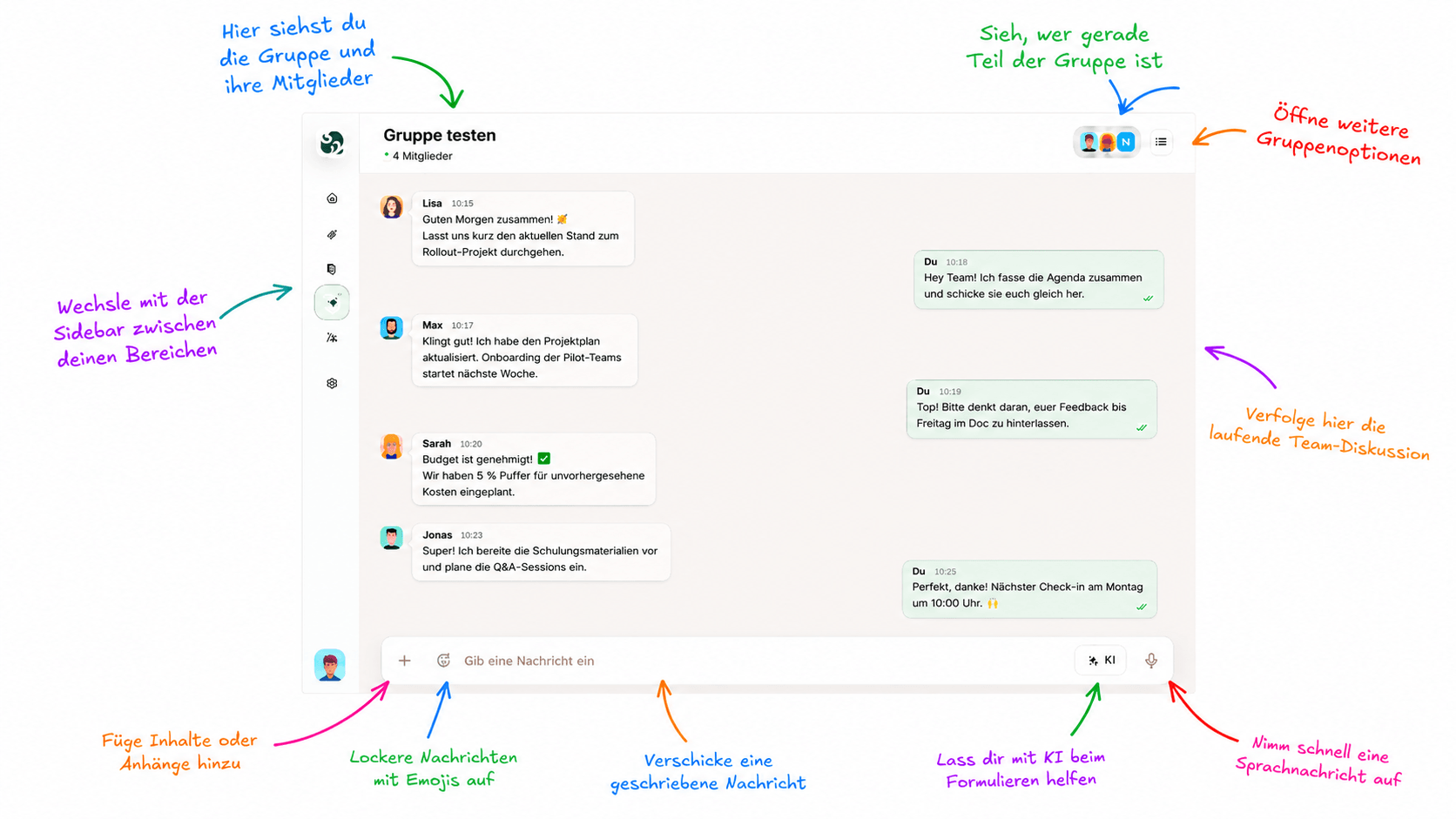
GROVE combines group chat with AI that understands your workspace. Tag the AI, ask questions, summarize discussions and bring old context back when you need it.
- Real-time group chat, synced on every device
- Tag the AI or switch to AI mode, right inside the conversation
- Access to modern, powerful AI models depending on your plan
AI features are rolling out during the beta.
Voice messages become searchable memory.
GROVE can transcribe voice messages in the background, so important conversations are not lost inside old audio files.
“…so if we ship the dashboard MVP first, we can test the pricing page early and add the AI onboarding later…”
Find what your team forgot.
Search across chats, files, links, slides and transcribed voice messages. Ask GROVE what happened weeks or months ago and get the context back in seconds.
Built for teams and shared workspaces.
Create groups, invite members and manage access. Sources and Slides are shared inside each group, while admins and creators control who can edit, delete or manage content.
- Every group has its own content, members and shared history
- Creators own what they add, while admins manage rights and access
- Invite with a link and assign roles: owner, admin, member
One plan can power the whole group.
Depending on the plan, group owners can invite more members and unlock AI access for their workspace, making GROVE useful for entire teams, not just individuals.
Bring your team's knowledge into one place.
Start with GROVE for free. No credit card required.